
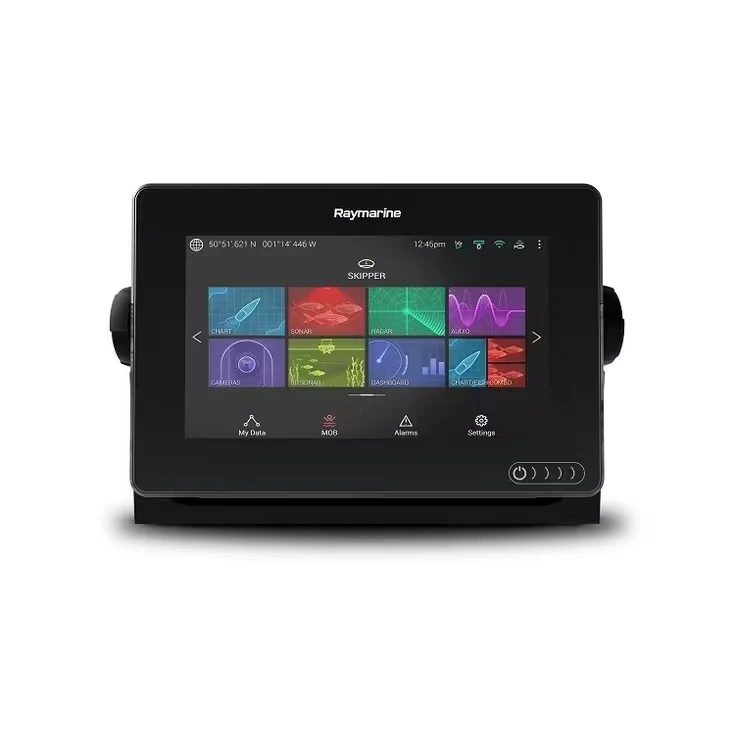
You bought a fish finder, mounted it, powered it on — and now you’re staring at a screen full of colored blobs and squiggly lines that mean absolutely nothing to you. Here’s how to actually read it, without the manual’s jargon.
Arches are fish. Sort of.
The classic “fish arch” happens because a fish swims through the sonar cone at an angle — as it enters and exits the beam, the distance reading changes, drawing a curve instead of a dot. A perfect arch usually means a fish passed directly under the transducer at a steady depth. A partial arch or a straight line can still be a fish — it just didn’t cross the whole cone. Don’t dismiss every non-arch mark as “not a fish.”
Reading the bottom, not just the fish
The thick line at the bottom of your screen is the lake or sea floor — its thickness actually tells you something. A thick, strong bottom return usually means hard bottom (rock, sand). A thin, softer-looking line usually means soft bottom (mud, silt). Fish relate to bottom structure far more than open water, so learning to read bottom hardness is often more useful than spotting individual arches.
Structure: the marks that matter more than fish
Weed beds, drop-offs, humps, and submerged timber show up as irregular shapes rising off the bottom line. These matter because fish hold near structure, not in empty water. If you only look for arches and ignore the structure around them, you’ll motor right past the best spots.
Depth and zoom — use them together
Your default full-depth view compresses everything into one screen, which can hide fish holding tight to the bottom. Use the zoom function to expand the bottom few feet of water — this is where bottom-hugging fish often disappear into the bottom line on a normal view and become clearly visible once zoomed in.
CHIRP vs traditional sonar — why your picture looks different from your friend’s
If your unit uses CHIRP sonar, targets will look sharper and more separated than older traditional sonar, which tends to blur nearby fish into a single blob. This is why two anglers on the same lake, running different sonar types, describe completely different pictures of the same school of fish. Want the technical breakdown of how this actually works? See our guide on CHIRP sonar explained.
Side imaging vs down imaging — read them differently
Down imaging shows a narrow slice directly beneath the boat in high detail. Side imaging scans wide to either side, better for scouting structure across a large area before you commit to fishing a spot. They answer different questions — down imaging tells you what’s under you right now, side imaging tells you where to go next.
The fastest way to actually get good at this
Screen reading only clicks once you compare what you see on-screen to what you catch. Mark a spot where you get a strong hit, note exactly what the screen showed, and build your own mental library from there — manuals can only take you so far.
Still shopping for your first unit, or upgrading? Compare features across our fish finders to find one that matches the water you actually fish.